20-20-20 Rule for Eye Strain: Beginner Guide
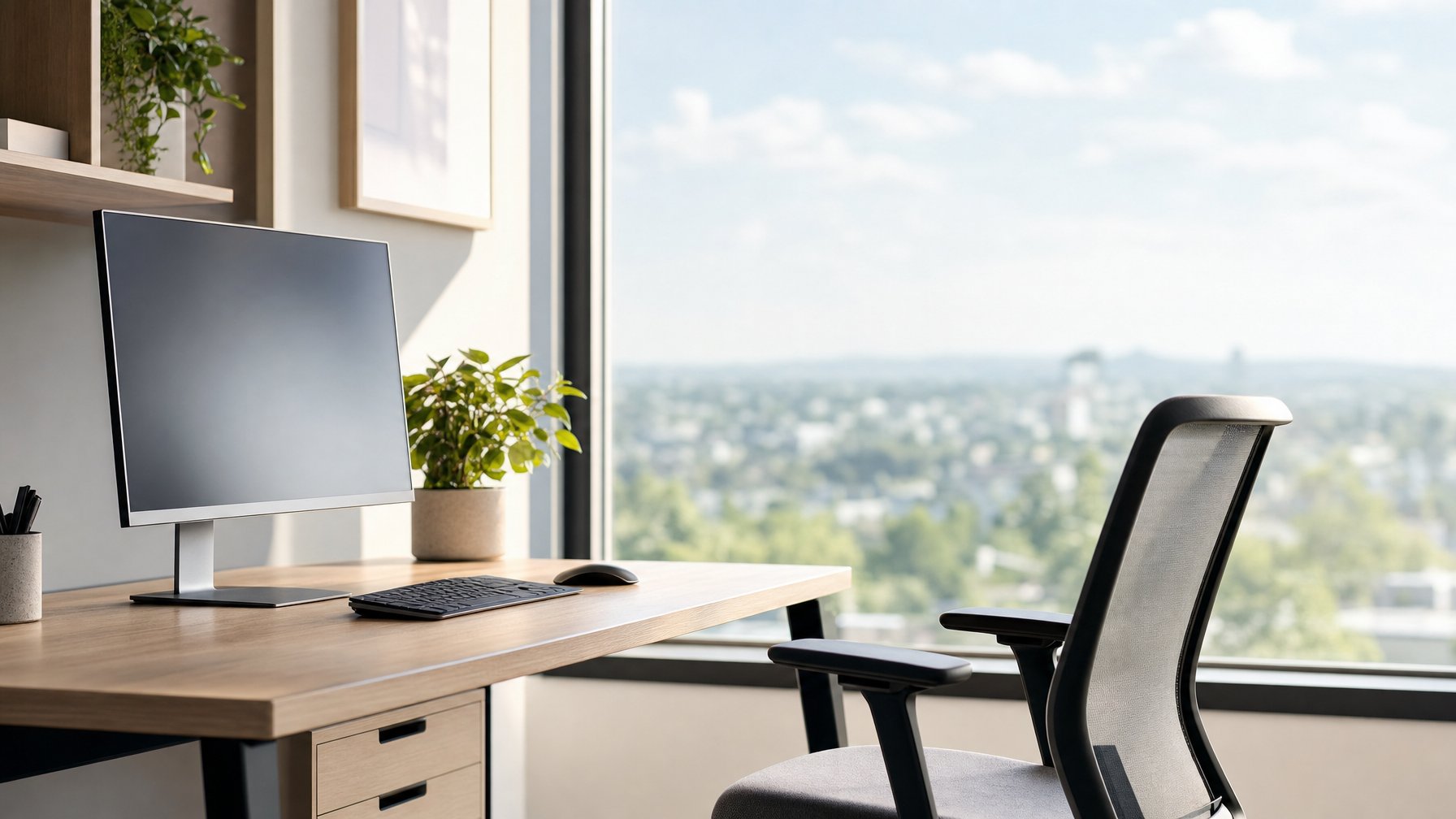
Screens have a way of pulling the eyes into one fixed distance for hours at a time, and the focusing system was never built for that kind of marathon. The 20-20-20 rule answers that problem with three easy numbers: every 20 minutes of screen work, look at something roughly 20 feet away for about 20 seconds.
The habit works because roughly 20 feet is close to what vision science calls optical infinity, the distance at which incoming light rays arrive nearly parallel and the eye’s focusing muscle can relax instead of holding a contraction. Those short pauses also nudge the blink rate back up, which helps the tear film recover after a long stretch of concentrated staring.
It is a comfort habit, not a medical treatment. Nothing about looking into the distance changes a prescription, cures an eye condition, or replaces a professional exam. What it does offer is a low-cost way to interrupt sustained near work before tired, gritty, achy eyes take over the afternoon.
Key Takeaways
- Every 20 minutes, shift focus to something about 20 feet away for a full 20 seconds to let near-focus muscles rest.
- Blinking, screen distance, text size, and room lighting do as much for comfort as the breaks themselves.
- Persistent headaches, blurred vision, or sudden visual changes call for an optometrist rather than another screen break.
What the Numbers Mean and Why Distance Helps
Each number in the rule targets a specific part of how the eyes handle close work: the 20-minute interval interrupts sustained accommodation, the 20-foot distance relaxes the ciliary muscle, and the 20-second window gives that muscle time to fully release. The heuristic traces back to the 1990s, when optometrist Dr. Jeffrey Anshel coined the phrase as eye doctors noticed a surge in strain complaints tied to computer use.
How to Do the 20-20-20 Break
The mechanics are straightforward. Set a timer for 20 minutes, and when it goes off, lift the gaze from the computer screen to something far across the room or, better, out a window.
Hold that distant gaze for a slow count of 20. Blink freely during the break instead of holding the eyes wide open.
A few practical notes from daily use:
- A window view beats a far wall. Trees, buildings, or sky give the eyes something genuinely distant to settle on.
- Stand up if the schedule allows. Prolonged sitting carries its own health costs, so pairing the break with a stretch costs nothing extra.
- Do not force a perfect interval. Breaking once or twice an hour still gives the eye muscles a rest.
Why Looking 20 Feet Away Relaxes Near Focus
The eye focuses through accommodation, a system involving the natural lens and the ring-shaped ciliary muscle surrounding it. Holding a computer screen in focus requires the ciliary muscles to contract and steepen the lens curve so light lands sharply on the retina.
At 20 feet and beyond, light rays arrive essentially parallel, so the ciliary muscles relax and the lens flattens. The extraocular muscles get a break too, since sustained near viewing keeps the eyes converged slightly inward the entire time.
Why 20 Seconds Is More Than a Quick Glance
A one-second glance out the window does not do the job. Releasing a sustained contraction takes time, which is why distant objects look soft for a moment after hours of close work before snapping into clarity.
Twenty seconds allows that release to complete. It also restores something the screen suppresses: blink rate drops substantially during concentrated display work, and a full break re-establishes the natural blink pattern that spreads the tear film across the cornea.
What Research and Eye-Health Organizations Say
The American Optometric Association publishes the 20-20-20 rule as a standard recommendation for managing computer vision syndrome, and the American Academy of Ophthalmology promotes it as well. The rule is widely described as a first-line habit for digital eye strain.
The specific numbers are practical rounding more than the product of a controlled trial. The broader principle, that regular far-focus breaks reduce symptoms of computer eye strain, is what the guidance rests on, and the intervals were chosen because they are memorable enough for people to follow.
Build a More Comfortable Screen Routine
Distance breaks handle one piece of the puzzle, and the rest comes from the setup around the screen: how often the eyes blink, how far away the monitor sits, how large the text is, and how much glare bounces off the display. Small adjustments to lighting and posture often relieve more discomfort than the break schedule alone.
How to Remember Breaks During Busy Workdays
A reminder that runs without effort is the one that sticks. A recurring phone timer, a browser extension, or a calendar alert every 20 minutes all work, and several free online timers such as the 20-20-20 rule timer from GoTimer run in a browser tab with optional notifications.
Anchoring breaks to existing rhythms helps when timers get dismissed on autopilot. Looking up at the end of every email, after each meeting, or between tasks builds the same awareness without an alarm.
Deep-focus work is where the habit breaks down. On those days, one deliberate distance pause per hour is a realistic floor.
Blinking and Dry-Eye Comfort During Screen Use
Blink rate falls sharply during screen concentration, and incomplete blinks leave the tear film thin and unstable. That is the main driver of the dryness, burning, and grittiness people report after long sessions, and paradoxically it can also cause reflex eye watering.
A few habits support tear-film comfort:
- Practice slow, complete blinks (fully closing the lids) a few times per break.
- Keep the room from getting too dry; a humidifier helps in heated or air-conditioned spaces.
- Stay hydrated through the day.
- Consider artificial tears or preservative-free lubricating drops, and ask an eye doctor which type suits the situation, particularly for contact lens wearers.
Contact lenses tend to amplify screen-related dryness. Switching to glasses for long computer days is a reasonable experiment worth mentioning at the next appointment.
Set Up Screen Distance, Text Size, and Posture
Position the monitor roughly an arm’s length away, with the top of the screen at or slightly below eye level so the gaze angles gently downward. That angle narrows the exposed surface of the eye and slows tear evaporation.
The elbow rule offers a quick check for anything held closer: make a fist beside the face and extend the elbow toward the material. If the screen or book is closer than that span, it is too close.
Text that is too small pulls the head forward and invites neck pain. Bumping up font size and zoom level until reading is effortless costs nothing and removes a constant low-grade effort.
Reduce Glare With Better Lighting and Display Settings
Glare forces squinting, and squinting builds fatigue fast. Position the monitor perpendicular to windows instead of directly facing or backing them, and use blinds to control harsh afternoon light.
Match screen brightness to the surrounding room lighting. A display that glows like a lamp in a dim room is working against the eyes, and one that looks washed out under bright overheads is doing the same.
Matte or anti-glare screens and screen filters cut reflections on stubborn setups. Overhead fluorescent lighting is a frequent offender, and a softer desk lamp with indirect placement handles it better.
Do Blue-Light Glasses Help With Screen Discomfort?
Blue-light glasses are marketed heavily for computer eye strain, and the evidence for symptom relief is thinner than the advertising suggests. Most screen discomfort traces to sustained near focus and reduced blinking, neither of which a lens coating addresses.
Some people report subjective comfort from tinted lenses, and there is no harm in trying a pair. Treat them as an optional accessory alongside break habits and ergonomics, not as the fix. Prescription eyewear designed for intermediate computer distance, fitted by an optometrist, tends to make a larger difference for those who need it, and vision-related purchases are sometimes eligible under an FSA or HSA depending on plan rules.
Know When a Screen Break Is Not Enough
Persistent symptoms that continue after screen time ends, or that appear alongside vision changes, point toward something a break schedule cannot address. That is the moment to involve an eye care professional instead of adjusting the timer.
Common Symptoms Linked to Digital Eye Strain
Screen-related eye fatigue tends to build through the day and ease with rest. Frequently reported symptoms include:
- Aching, sore, or tired eyes
- Dry, burning, or gritty sensations
- Pressure or headaches, often across the forehead
- Blurry vision at the end of a work session
- Difficulty shifting focus between near and far
- Trouble concentrating on the screen
A pattern where symptoms worsen with accumulated screen hours and fade overnight is the typical signature of digital eye strain.
When to Schedule an Eye Exam
Symptoms that persist despite good break habits, proper screen distance, and controlled lighting deserve a comprehensive eye exam. Uncorrected refractive error is a common hidden cause; mild astigmatism or early myopia can make the eyes work harder at every distance without the person noticing blur directly.
Other reasons to book an appointment include frequent headaches during or after screen work, double vision, new light sensitivity, or an outdated prescription. Adults with a family history of eye disease or chronic conditions such as diabetes should keep to the exam schedule their optometrist sets, since routine exams check for issues like macular degeneration that produce no early symptoms.
Urgent Vision Changes That Need Prompt Care
Certain symptoms call for same-day attention from an eye doctor or emergency care:
- Sudden loss of vision in one or both eyes
- A sudden burst of new floaters or flashes of light
- A curtain or shadow moving across the field of vision
- Sudden double vision
- Severe eye pain, especially with nausea or halos around lights
- Vision loss following an eye injury
None of these relate to screen use, and none improve with rest. Prompt evaluation matters because several underlying causes are time-sensitive.
Make Distance Breaks a Sustainable Screen Habit
The 20-20-20 rule earns its place because it is easy to remember and costs 20 seconds. Looking about 20 feet away every 20 minutes lets the focusing system relax after sustained near work and restores a normal blink pattern that keeps the eye surface comfortable.
Its effect grows when paired with the rest of the setup: an arm’s-length screen distance, readable text, controlled glare, and a room that is not bone-dry. Blue-light gadgets sit well below those basics in terms of what they deliver for eye comfort.
Screen time is not going away, so the goal is a routine that holds up on busy days. Anyone whose symptoms persist through good habits should book an eye exam and describe the daily screen load to their optometrist.
Frequently Asked Questions
Does the 20-20-20 rule really help eye strain?
It gives the ciliary muscles a rest from sustained accommodation and restores the blink pattern that screen concentration suppresses, which addresses the two main mechanical drivers of digital eye strain. Major eye-health organizations including the American Optometric Association recommend it as a first-line habit. The exact 20-minute and 20-second figures are practical rounding chosen for memorability.
Do I need to measure exactly 20 feet away?
No. Roughly 20 feet approximates optical infinity, the point where the focusing system relaxes, and anything farther works equally well. A view out a window or down a hallway is close enough without measuring.
Can the 20-20-20 rule help with dry eyes?
Break time allows the natural blink rate to recover, which helps spread the tear film and can ease dryness after long screen sessions. Breaks alone will not resolve chronic dry eye. Anyone with persistent symptoms should ask an eye doctor about artificial tears or other options suited to their situation.
Should I use the rule with glasses or contact lenses?
Yes, the rule applies regardless of correction, since the focusing muscles work the same way behind any lens. Contact lens wearers often notice more dryness during long screen days, so alternating with glasses is worth testing. Mention screen-related discomfort at the next exam so the prescription can be evaluated for computer distance.
Are blue-light glasses necessary for computer eye strain?
No. Screen discomfort stems mainly from sustained near focus and reduced blinking, which lens filtering does not change. Some people find them subjectively comfortable, and they are a reasonable optional addition alongside break habits, screen positioning, and glare control.
When should screen-related eye strain prompt an eye exam?
Book an exam when symptoms persist despite regular breaks and a well-adjusted workstation, or when headaches, blurred vision, or double vision become frequent. Uncorrected astigmatism or myopia is a common underlying cause.
Sudden vision loss, new flashes or floaters, or a shadow across the visual field require immediate care.
Educational only — not medical advice. Eye Support Plus does not diagnose, treat, or prescribe. Consult a qualified eye doctor or clinician before changing supplements, screen habits for symptomatic issues, or eyewear decisions. Seek urgent care for sudden vision loss, flashes/floaters with curtain, eye pain with nausea, or chemical injury.