Digital Eye Strain for Beginners: How to Ease Screens
Digital eye strain, also called computer vision syndrome, describes the cluster of tired-eye symptoms that show up after long stretches with digital devices. Burning eyes, blurry text at the end of the workday, a dull ache behind the brows, and a neck that feels locked in place all belong to the same pattern.
Most beginners get meaningful relief from three habits: frequent focus breaks, deliberate blinking, and a screen placed about an arm’s length away with the top of the display at or slightly below eye level. Those changes cost nothing and work faster than most products sold for screen comfort.
Symptoms tied to screen time are uncomfortable and, for most people, temporary. They also overlap with uncorrected refractive errors and dry eye syndrome, which is why persistent complaints deserve a comprehensive eye exam instead of another gadget.
Anyone spending two or more hours a day on computer use can start improving comfort today and still keep vision health on the radar.
Key Takeaways
- Breaks, blinking, and moisture relieve most screen-related eye discomfort within days.
- Screen distance, height, glare control, and text size matter more than filters or specialty lenses.
- Blurred vision, double vision, or eye pain that persists calls for an eye care professional.
Start With Fast, Low-Risk Comfort Measures
The quickest relief comes from interrupting sustained near focus and restoring the tear film, since both break down during long screen sessions. A 20-second distance break every 20 minutes plus conscious blinking addresses the two mechanical problems behind most tired eyes.
How Does the 20-20-20 Rule Give Your Eyes a Break?
The 20-20-20 rule asks for one simple swap: every 20 minutes, look at something 20 feet away for 20 seconds. That distance shift lets the focusing muscles release the tension they hold during close work.
A phone timer or a break-reminder app makes the habit stick, because time perception collapses during focused work. Standing up and looking out a window covers the break and the posture reset at once.
Why Blinking and Moisture Matter for Dry, Tired Eyes
Blink rate drops sharply during screen use, and incomplete blinks leave the tear film thin and patchy. That is the origin of the gritty, burning, sandy sensation people describe as eye dryness.
A short blinking exercise helps: close the lids gently, squeeze for two seconds, then open, repeating five to ten times. Preservative-free artificial tears offer relief between sessions, though anyone using eye drops several times a day should raise it with an eye doctor instead of escalating on their own.
Steady hydration and a humidifier in dry heated rooms support the same goal.
Which Gentle Practices Can Ease Screen Fatigue?
Two practices stand out for their simplicity. Palming, described in a yoga-based sequence for screen-tired eyes, involves rubbing the palms together for about 30 seconds and resting the warmed hands over closed lids without pressing on the eyeballs.
A warm compress for five minutes supports the oil layer of the tear film and eases eye discomfort at day’s end.
Focus shifting adds a third option: hold a thumb at reading distance, focus on it, then shift to a far object and back, ten times. Slow eye rolling and light eye massage around the orbital bone relax the surrounding muscles.
None of these practices correct vision or replace an exam.
Fix the Screen and Workspace Triggers
Prolonged screen use becomes far more comfortable once the physical setup stops fighting the eyes. Distance, height, glare, and text size account for most of the difference, and each takes a minute to adjust.
What Is the Best Screen Distance and Height for Beginners?
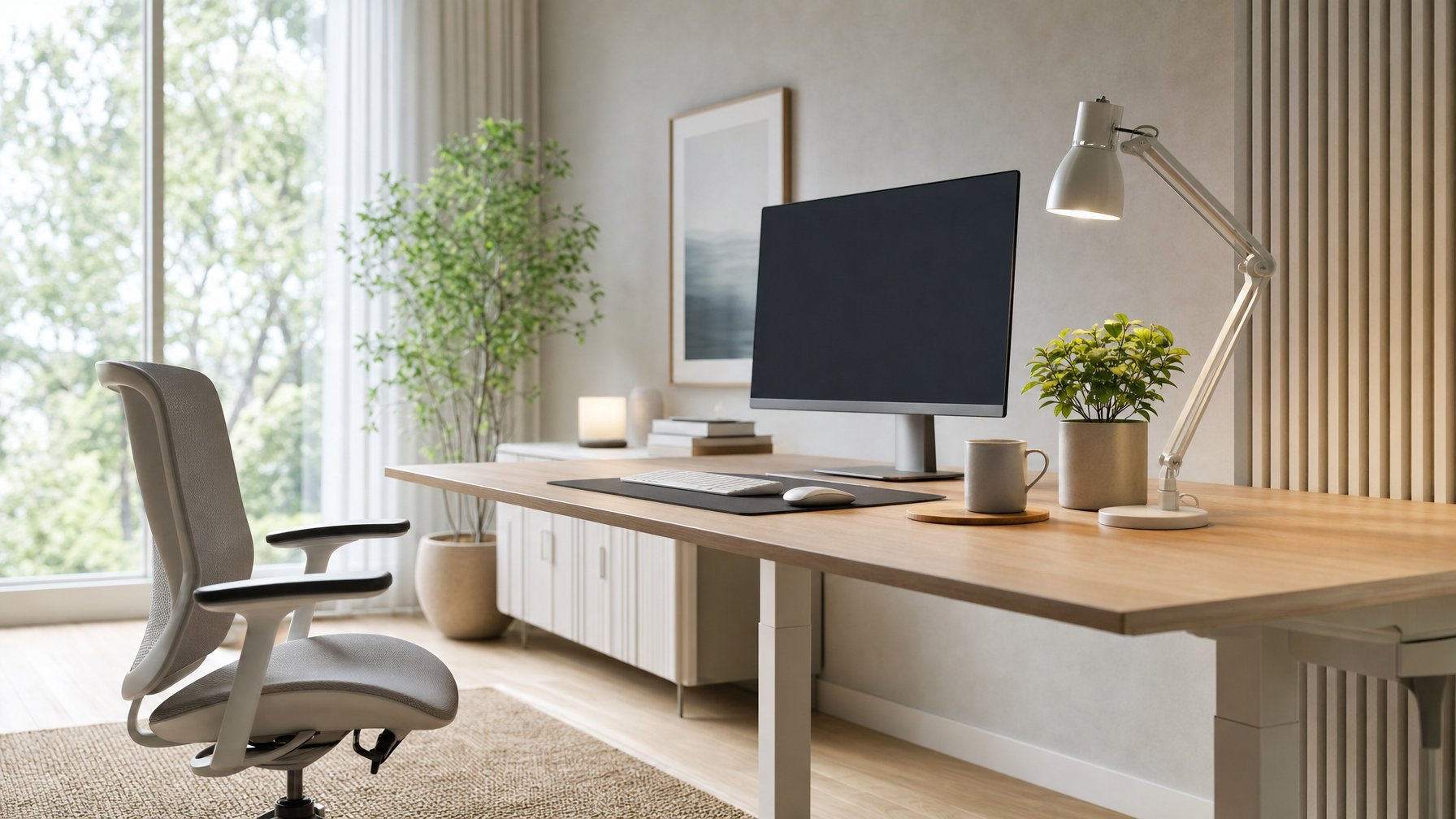
Monitors belong about an arm’s length away (roughly 20 to 28 inches), with the top of the screen at or slightly below eye level. That geometry lets the eyes look slightly downward, so the lids cover more of the ocular surface and moisture holds better.
Improper viewing distance drives both eye fatigue and musculoskeletal complaints. Screens set too high pull the chin up and load the neck; screens too low round the shoulders and upper back.
A monitor riser or a stack of books fixes screen height for free.
Phones and tablets deserve the same scrutiny. Holding a phone at 16 to 18 inches, propped rather than cradled, reduces the neck flexion behind a lot of screen-related shoulder pain.
How Can You Reduce Glare and Improve Room Lighting?
Screen glare comes from light sources positioned behind or directly above the display. Placing the monitor perpendicular to windows, closing blinds during bright hours, and dimming harsh overhead fixtures remove most reflections; practical guidance on workspace lighting favors ambient light over direct fluorescent glare.
An anti-glare screen filter helps in offices where the light cannot be moved. Poor lighting at either extreme creates problems: a bright screen in a dark room forces the pupils to work against a high-contrast field.
Which Screen Settings Make Reading More Comfortable?
Screen brightness should roughly match the ambient light in the room. Text size deserves a bump too; increasing browser or system text by one or two steps reduces squinting more reliably than any accessory.
| Setting | Beginner-friendly adjustment |
|---|---|
| Brightness | Match surrounding room light |
| Contrast | Dark text on light background for documents |
| Text size | Increase until readable at arm’s length |
| Color temperature | Warmer tones in the evening (night mode) |
| Refresh/scaling | Highest available for crisp text |
Night mode shifts color temperature warmer after dark. Its clearest benefit involves sleep disruption and circadian rhythm rather than daytime comfort.
Do Blue Light Glasses Help With Screen Discomfort?
Blue light filters and blue light glasses have thin evidence for relieving eye strain symptoms, and the mechanism behind screen discomfort points to focusing effort, reduced blinking, and glare instead of blue light exposure. Blue light protection lenses are safe to wear, and some people prefer them, but they do not replace breaks or a corrected prescription.
Computer glasses are a different product. These single-vision or occupational lenses are set for intermediate distance and help people over 40 dealing with presbyopia, or anyone whose everyday prescription blurs at monitor range.
An eye care professional determines whether that applies.
Know When Symptoms Need an Eye Exam
Screen-related discomfort that clears within an hour of stopping work is routine. Symptoms that persist overnight, worsen week to week, or arrive suddenly point toward vision problems that need evaluation.
Which Symptoms May Point Beyond Routine Screen Strain?
Certain symptoms warrant prompt attention regardless of screen habits. Sudden vision changes, a new increase in floaters or flashes, and unexplained eye pain that does not resolve are flagged as reasons to call an eye doctor rather than wait.
Double vision, marked light sensitivity, persistent headaches, and blurred vision that lingers after screens go dark also belong in the exam room. Red eyes or watery eyes that continue for weeks suggest dry eye syndrome or another surface condition.
Glaucoma progresses without early symptoms, which is one reason regular eye examinations matter for adults even when screens feel fine.
How Can Uncorrected Vision Problems Make Screen Use Harder?
Small uncorrected refractive errors force the focusing system to compensate all day, and screens make that compensation obvious. Myopia (nearsightedness), farsightedness, and astigmatism each produce difficulty focusing at monitor distance, with headaches and eye fatigue following.
Presbyopia, the age-related loss of near focusing range, starts in the early to mid-40s. Many people first notice it as monitor text that requires leaning in.
Progressive lenses often fall short at intermediate distance, which is where an occupational prescription helps.
Contact lens wearers face an added factor: lens surfaces dry faster during reduced blinking.
When Should You Contact an Eye Care Professional?
A comprehensive eye exam is the sensible next step when symptoms persist for more than a couple of weeks after habit and setup changes. During that exam, an optometrist or ophthalmologist assesses visual acuity and eye health while asking about device use and symptom patterns.
Adults using screens for work benefit from an exam every one to two years, and anyone with a known prescription change should not wait for the next scheduled visit.
Bring specifics: hours on screens, monitor distance, which tasks trigger discomfort, and how long relief lasts after breaks.
Build a Sustainable Screen-Comfort Routine
Consistency turns these adjustments into lasting relief. A workable routine starts with break reminders set for every 20 minutes, a monitor positioned at arm’s length and eye level, and lighting arranged so nothing reflects off the display.
Deliberate blinking and a mid-afternoon focus shifting drill give the eye muscles a genuine pause during heavy near work. Screen fatigue drops noticeably within a week of steady practice for most people.
Eye care beyond habits means keeping exam appointments and reporting symptom changes early. Anyone who wants a broader reference can consult a digital eye strain guide covering symptoms and prevention in more depth, then bring open questions to an eye doctor for advice matched to their prescription and eye health.
Frequently Asked Questions
How can I relieve digital eye strain quickly at home?
Look at something 20 feet away for 20 seconds, blink fully several times, and rest warmed palms over closed eyes for a minute. Adding preservative-free artificial tears and lowering screen brightness to match room light extends the relief.
Most people feel a difference within minutes.
What is the 20-20-20 rule for reducing digital eye strain?
Every 20 minutes of screen work, look at an object roughly 20 feet away for 20 seconds. The break lets the focusing muscles relax from sustained near work.
A recurring phone timer keeps the habit consistent when work absorbs attention.
Can eye drops help with digital eye strain?
Preservative-free artificial tears relieve the dryness and gritty feeling that accompany reduced blinking at screens. They address the tear film, not the focusing effort, so pair them with breaks.
Needing drops more than four times a day is worth discussing with an eye doctor.
Do blue light glasses reduce digital eye strain?
Evidence supporting blue light glasses for eye strain relief remains weak, since screen discomfort traces back to focusing effort, reduced blinking, and glare. They are harmless to wear and some users prefer them.
Break habits and proper screen positioning deliver more reliable comfort.
How long does digital eye strain usually last?
Symptoms fade within a few minutes to a few hours after stepping away from screens. With better breaks, blinking, and workspace setup, daily discomfort drops within a week or two.
Complaints lasting beyond that point suggest an uncorrected prescription or dry eye that needs evaluation.
When should I see an eye doctor for screen-related eye symptoms?
Schedule a comprehensive exam if discomfort persists after two weeks of habit changes, or sooner for double vision, lingering blurred vision, or headaches. Sudden vision changes, new floaters or flashes, and unexplained eye pain warrant prompt contact with an eye care professional.
Routine exams every one to two years suit most screen-heavy adults.